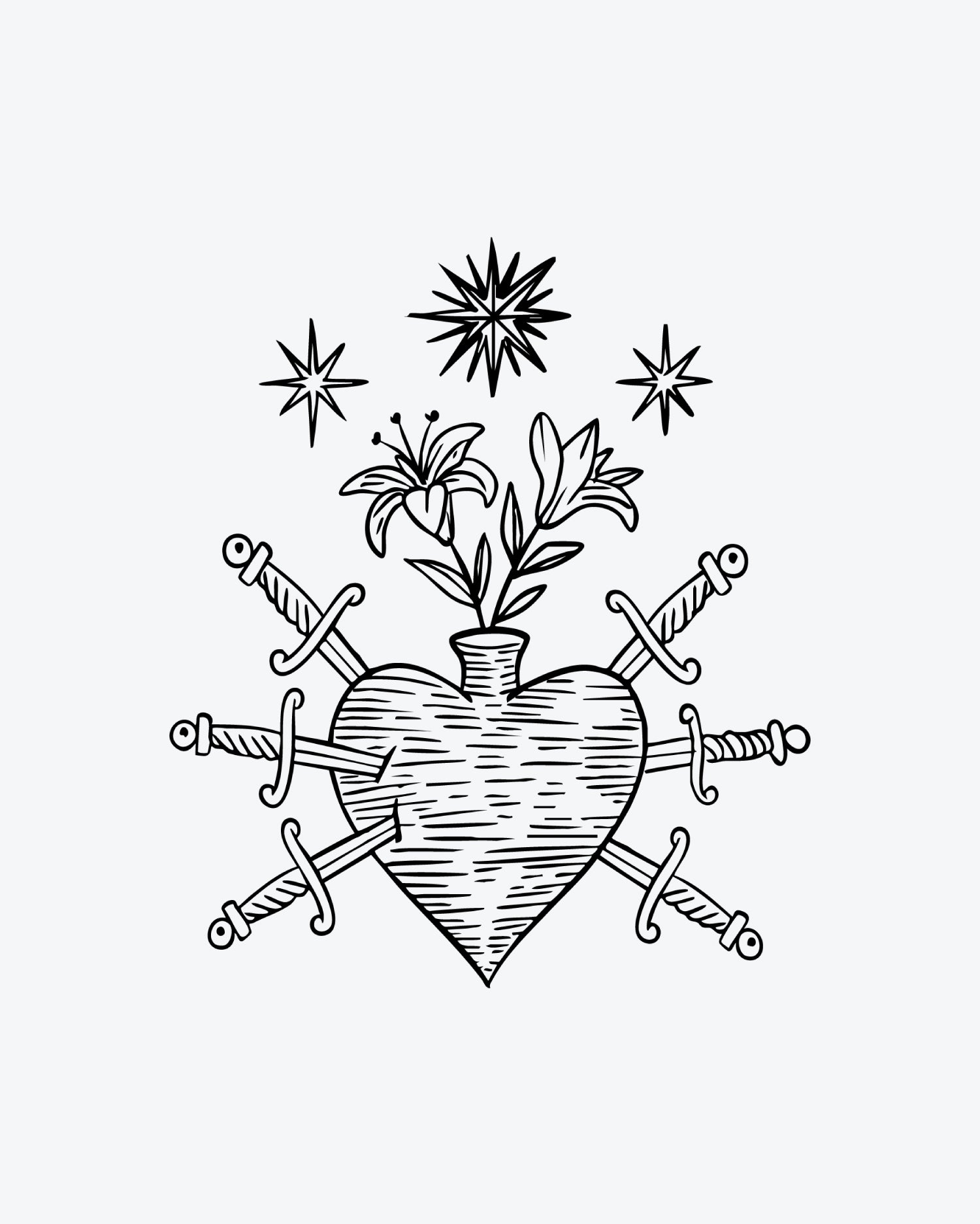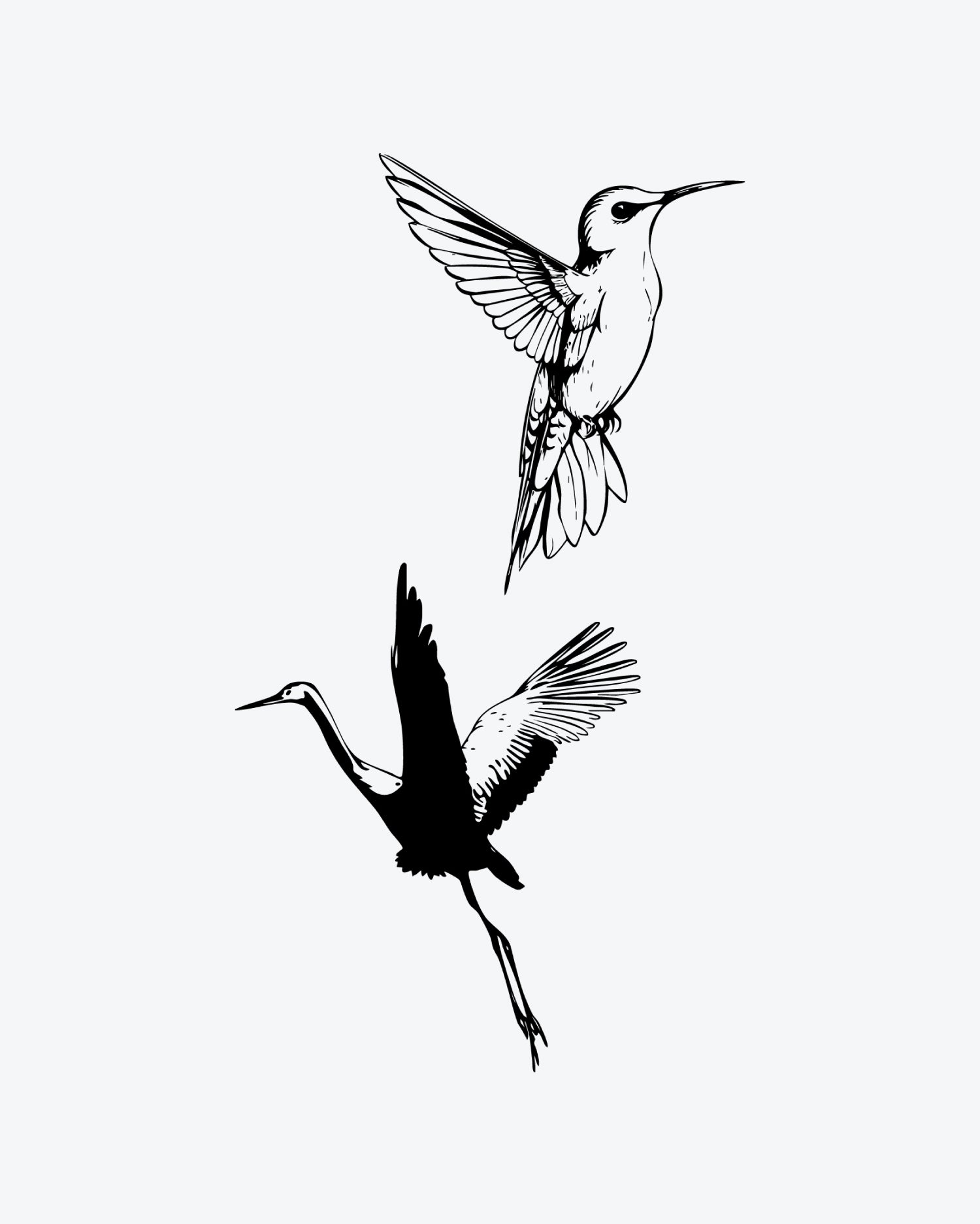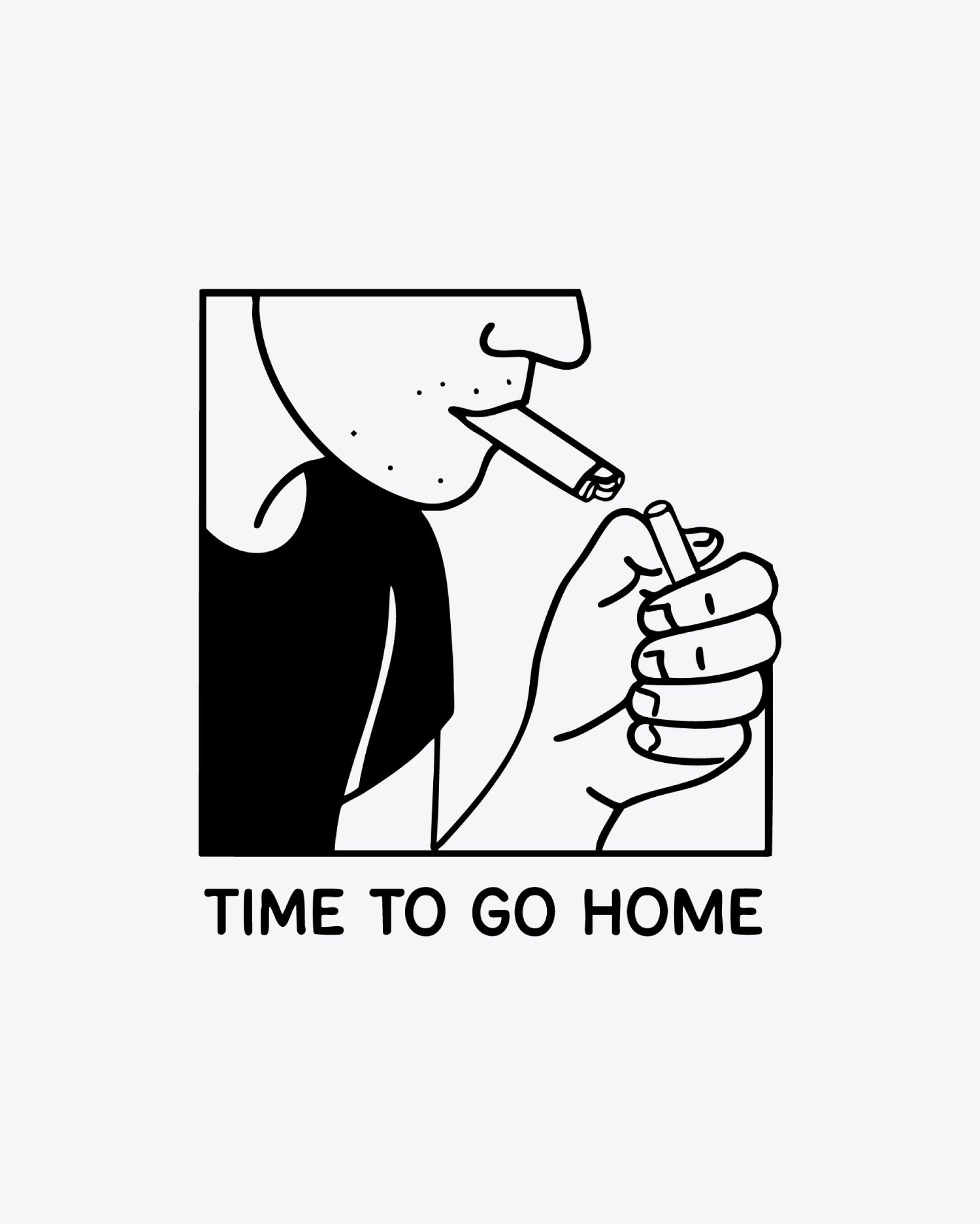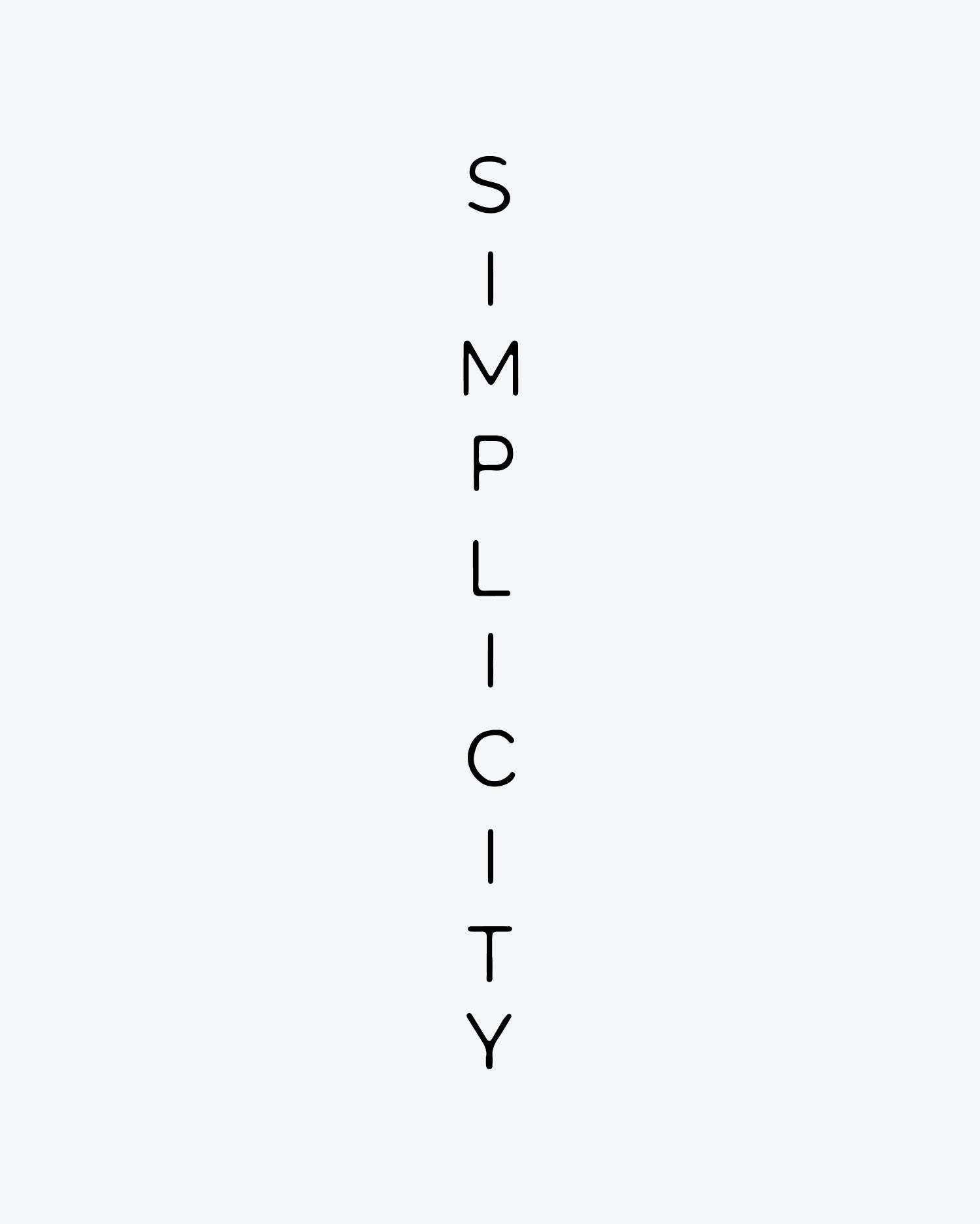
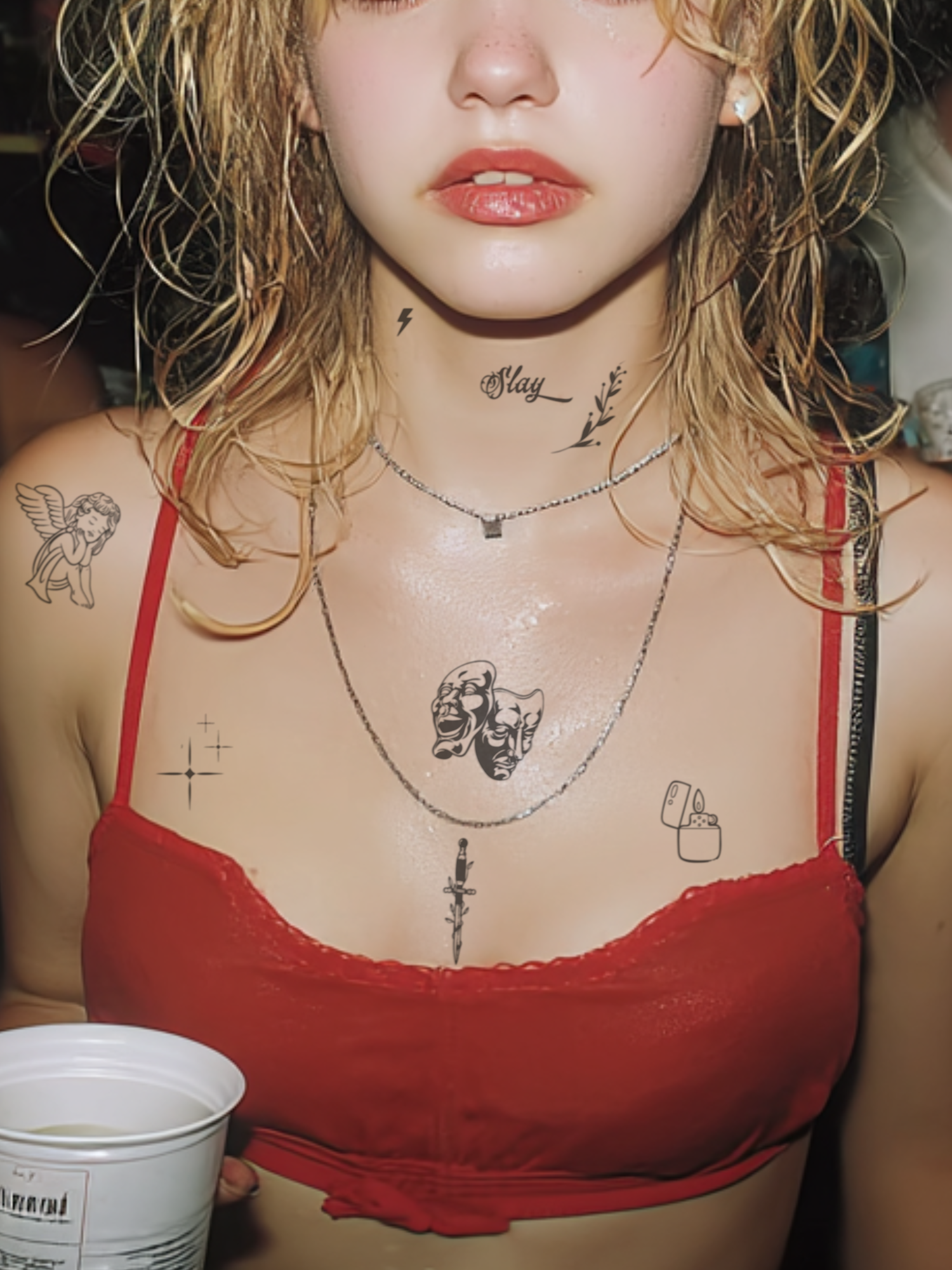
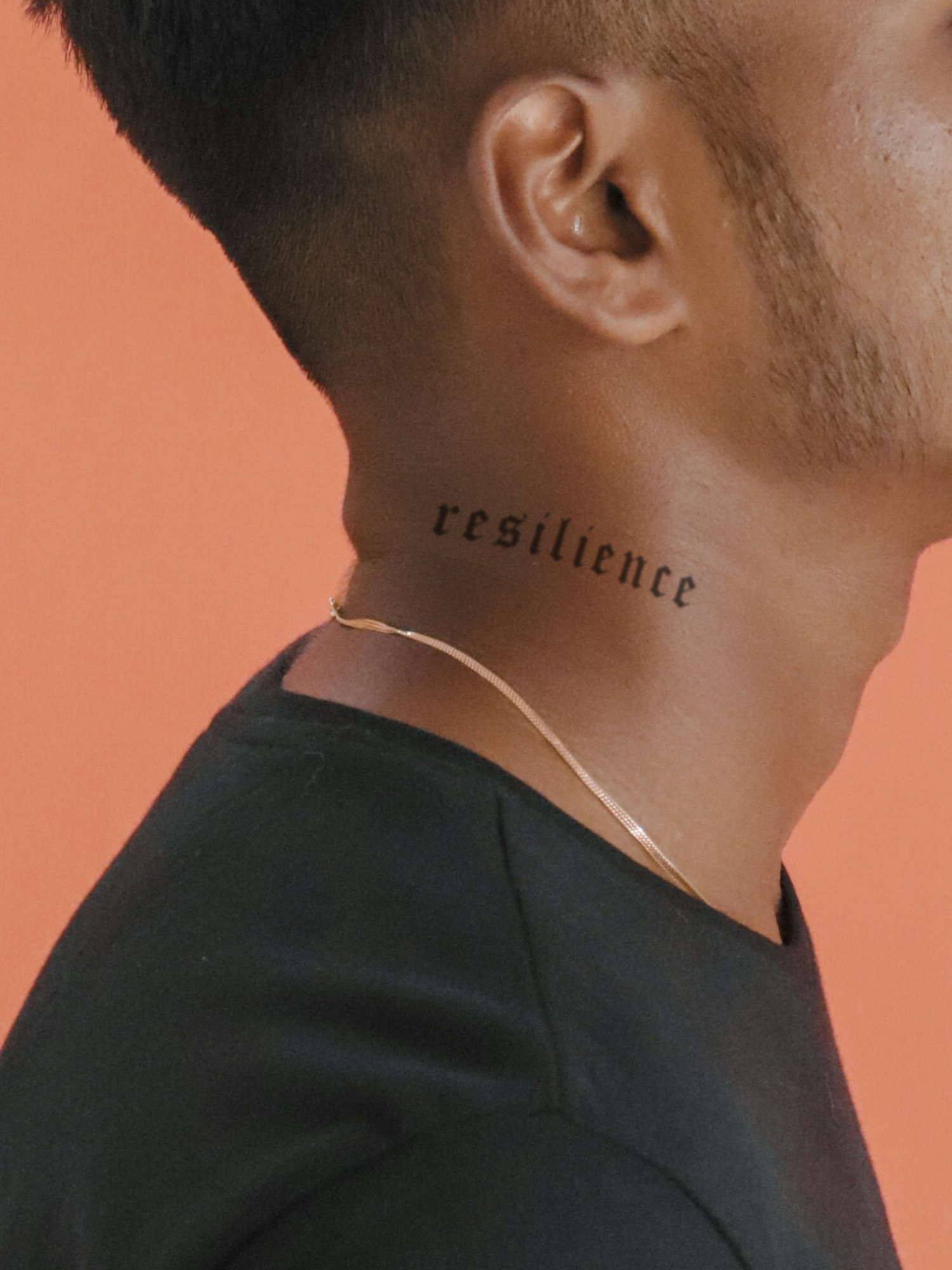
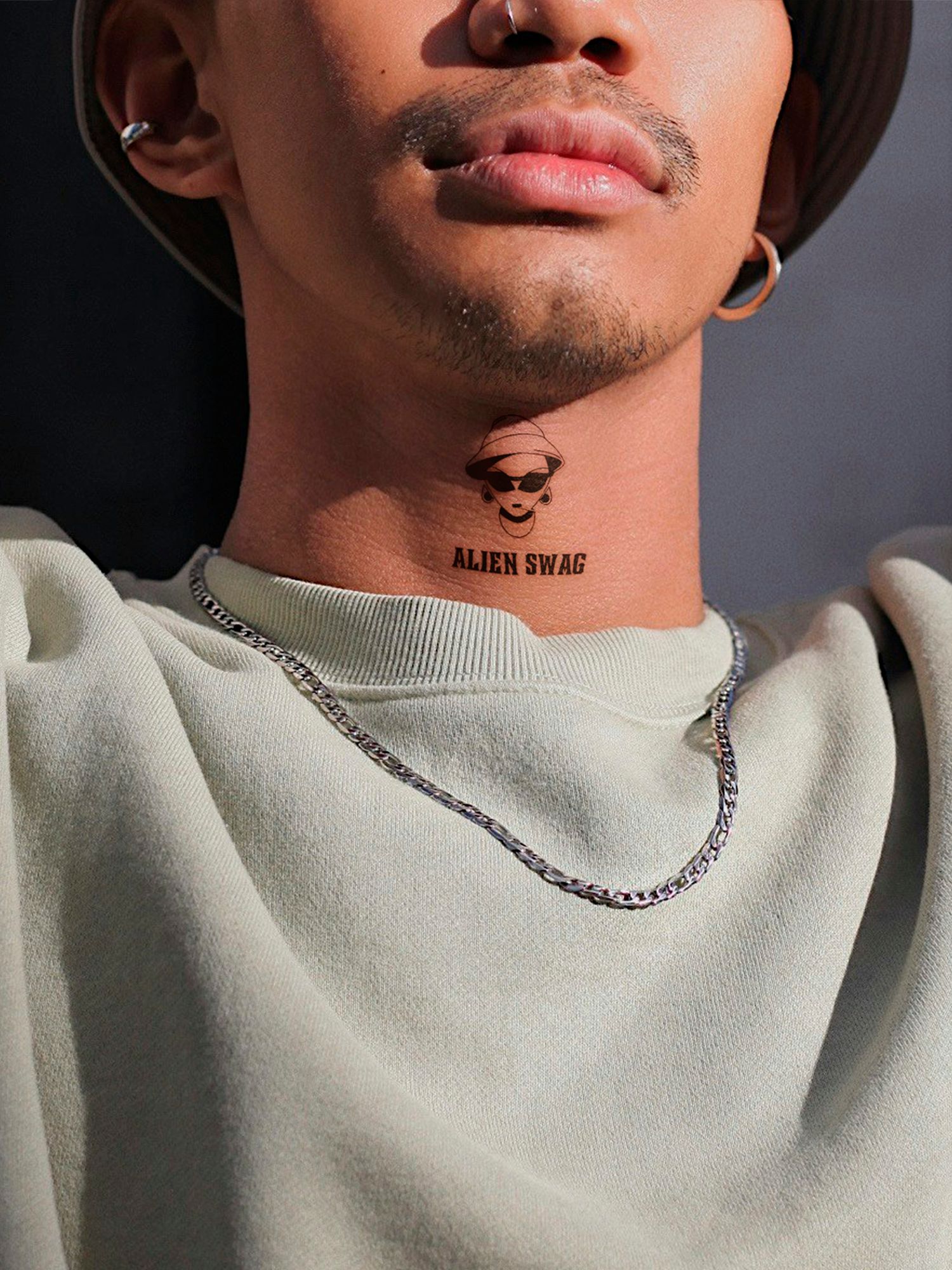
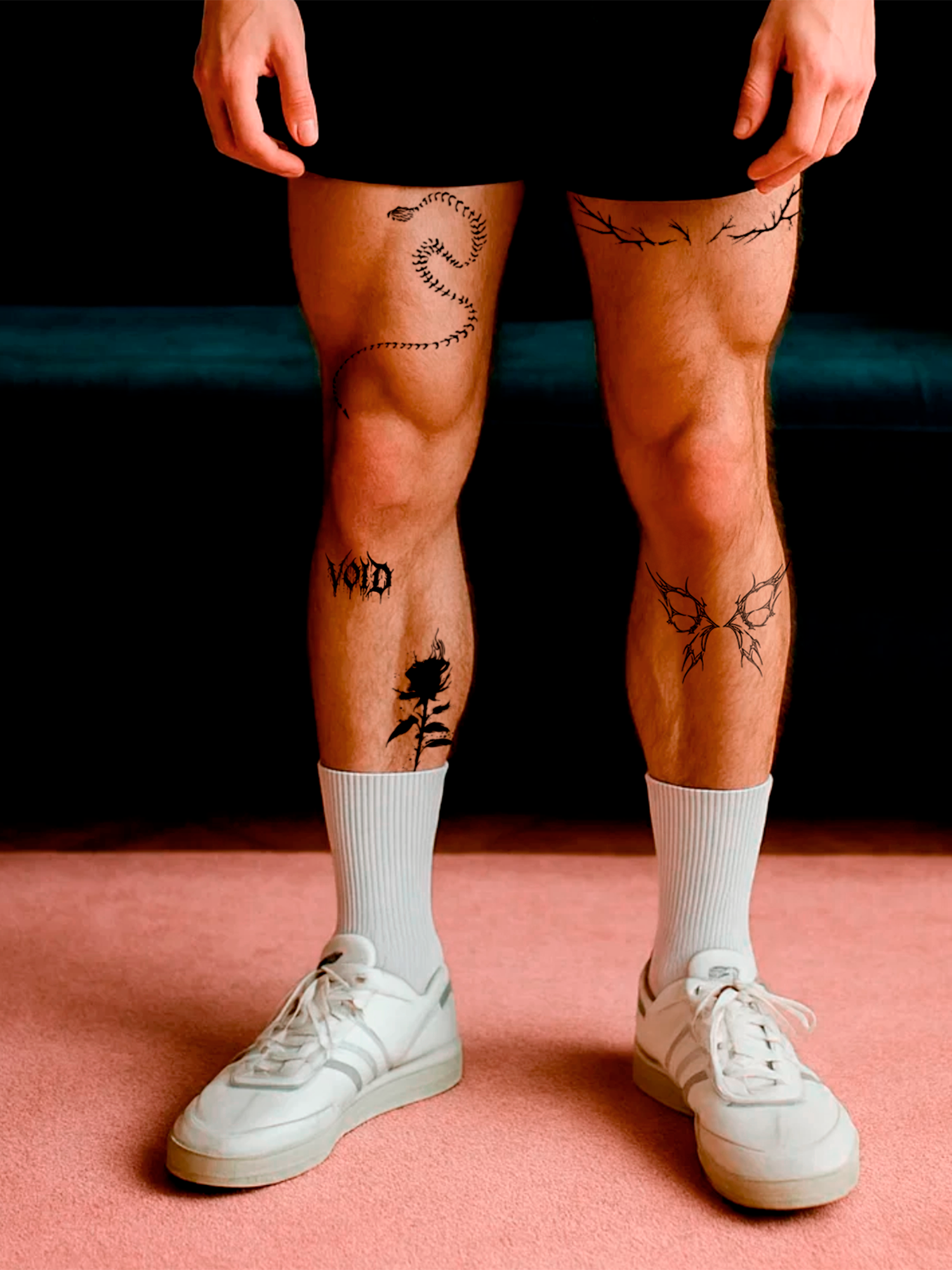

Custom Tattoos
🔍 Before You Start
Can I use multiple tattoos in one design?
Yes — and this is something unique to Tattup ✨
At Tattup, you can place up to 2 tattoo designs on a single design canvas (your selected size).
Most providers only allow one design per tattoo — we don’t.
We also offer larger design areas, which makes it easy to:
• Create multiple designs in one layout
• Design matching or partner tattoos for couples 💑
• Create shared tattoos for friends or colleagues
And the best part:
You can add up to 2 text elements as well, using our modern, carefully selected fonts ✍️
👉 More freedom, more creativity — all in one custom tattoo.
Can I use multiple text elements in one design?
At Tattup, you can add multiple text elements within one single design.
You can place up to 2 separate texts on the same design canvas (your selected size).
This gives you full freedom to:
• Combine names, dates, words, or quotes
• Create matching or partner tattoos 💑
• Design shared tattoos for friends, teams, or colleagues
• Mix text-only designs or combine text with tattoos
And the best part:
You can also upload up to 2 tattoo images in the same design — something most other providers don’t offer.
👉 Up to 2 texts + up to 2 tattoo designs on one canvas.
More flexibility. More creativity. Only at Tattup.
Why can’t I order just one custom tattoo?
Custom tattoos go through a detailed production process. Creating single pieces wouldn’t be cost-efficient.
Most customers use multiple copies — for different placements, gifts, events, or to keep a few for later.
Will I receive the same tattoo multiple times?
Yes.
You’ll receive your exact design in the quantity you selected during checkout.
🎨 Uploading Your Design
How does the customizer work?
Quick info
👆 Select the quantity you want first.
👀 The more tattoos you order, the lower the price per tattoo.
🎨 On your selected design canvas, you’re free to decide:
• How large or small your tattoo should be
• Whether you want 1 or 2 tattoo designs (perfect for couple tattoos 💑)
• Whether you want 1 or 2 text elements ✍️
• Or any combination of designs and text together
👉 Design it your way — exactly how you want it.
1️⃣ Add & adjust your design
🖼️ Choose an image
• Select an image
• A popup opens for editing
• For later changes, use the “Recustomize image” button
• To add a second tattoo, click “Show Upload Tattoo 2”
✍️ Custom text
• Type your text into the text field
• Choose a font of your choice
• Click on the Button "Text Reposition"
• For later changes, use the “Text Reposition” button again.
• To add a second text, click “Show Text 2”
3️⃣ Review & order
Does everything look good?
• ☑️ Check the box to confirm your design
• 📦 Click “Add To Cart”

Where do I edit the text?
Type your text directly into the text field
• Choose a font you like
• To add a second text, click “Show Text 2”
Show or hide text
• Use the toggle button to show or hide a text layer
• Text 1 and Text 2 each have their own text field
• Each text also has its own button to adjust its position
📱 Edit
• Use the “Text reposition” button to move and align the selected text
• A popup opens where you can reposition the text
What types of designs work best?
Design requirements
Please make sure your artwork meets the following requirements:
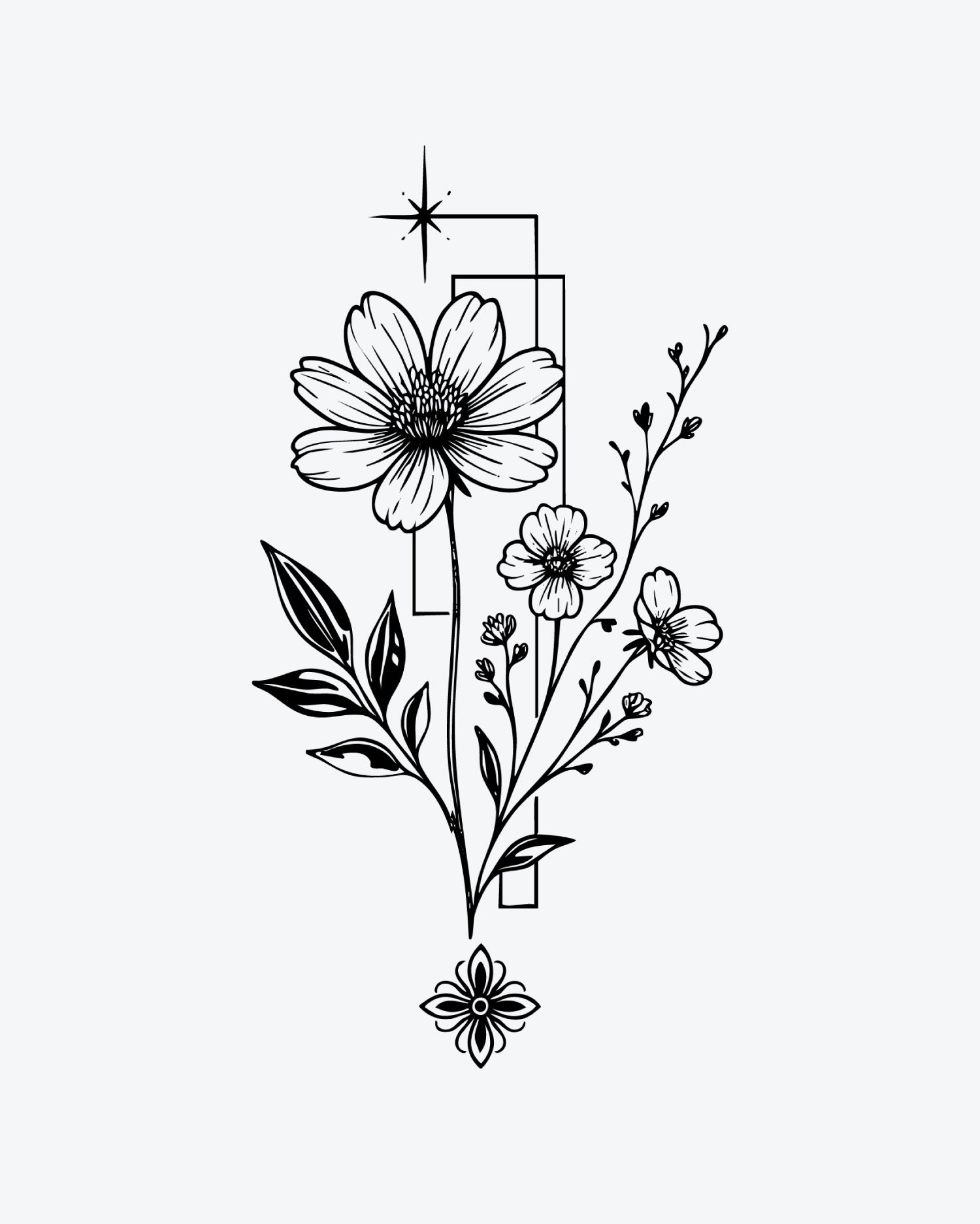
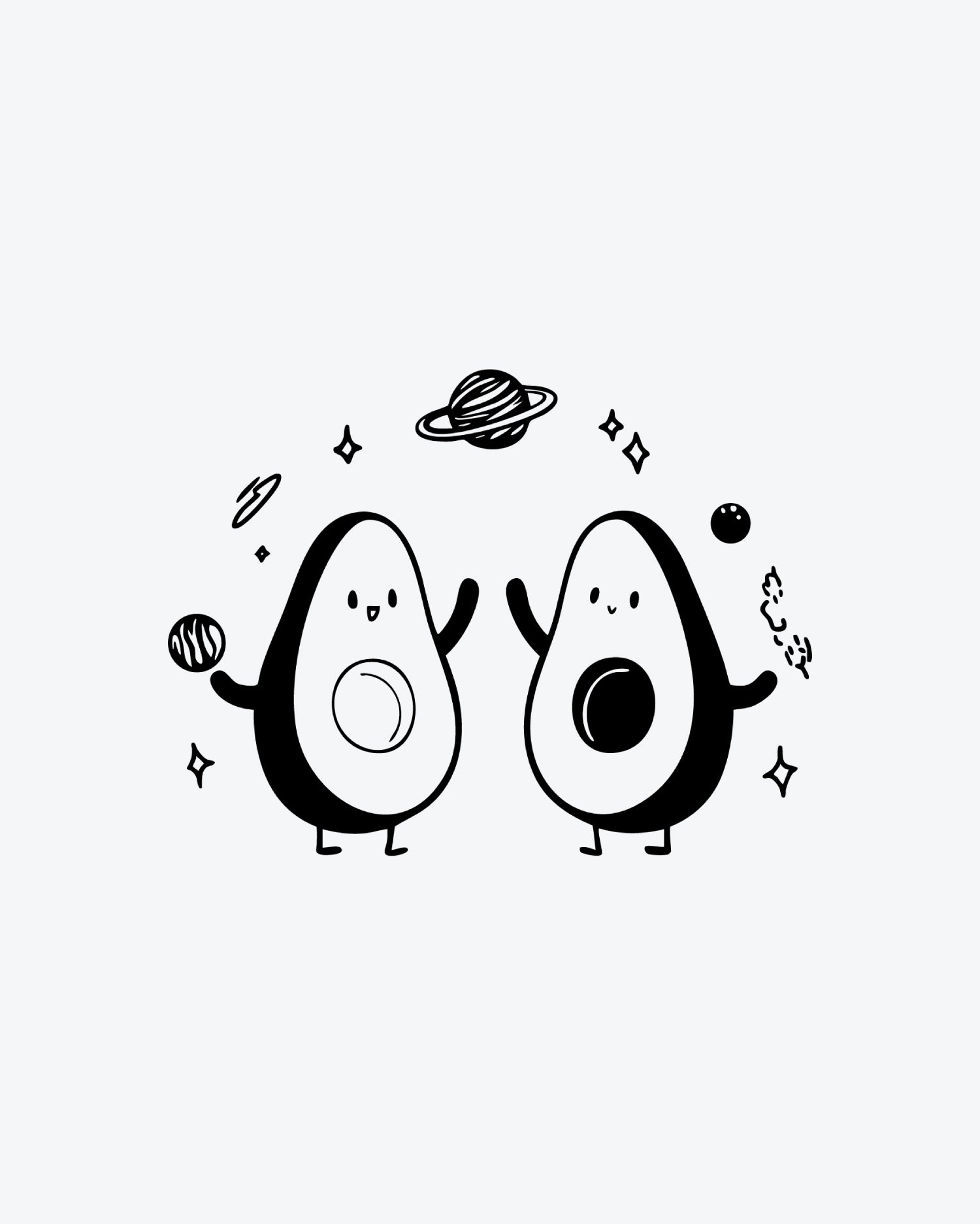
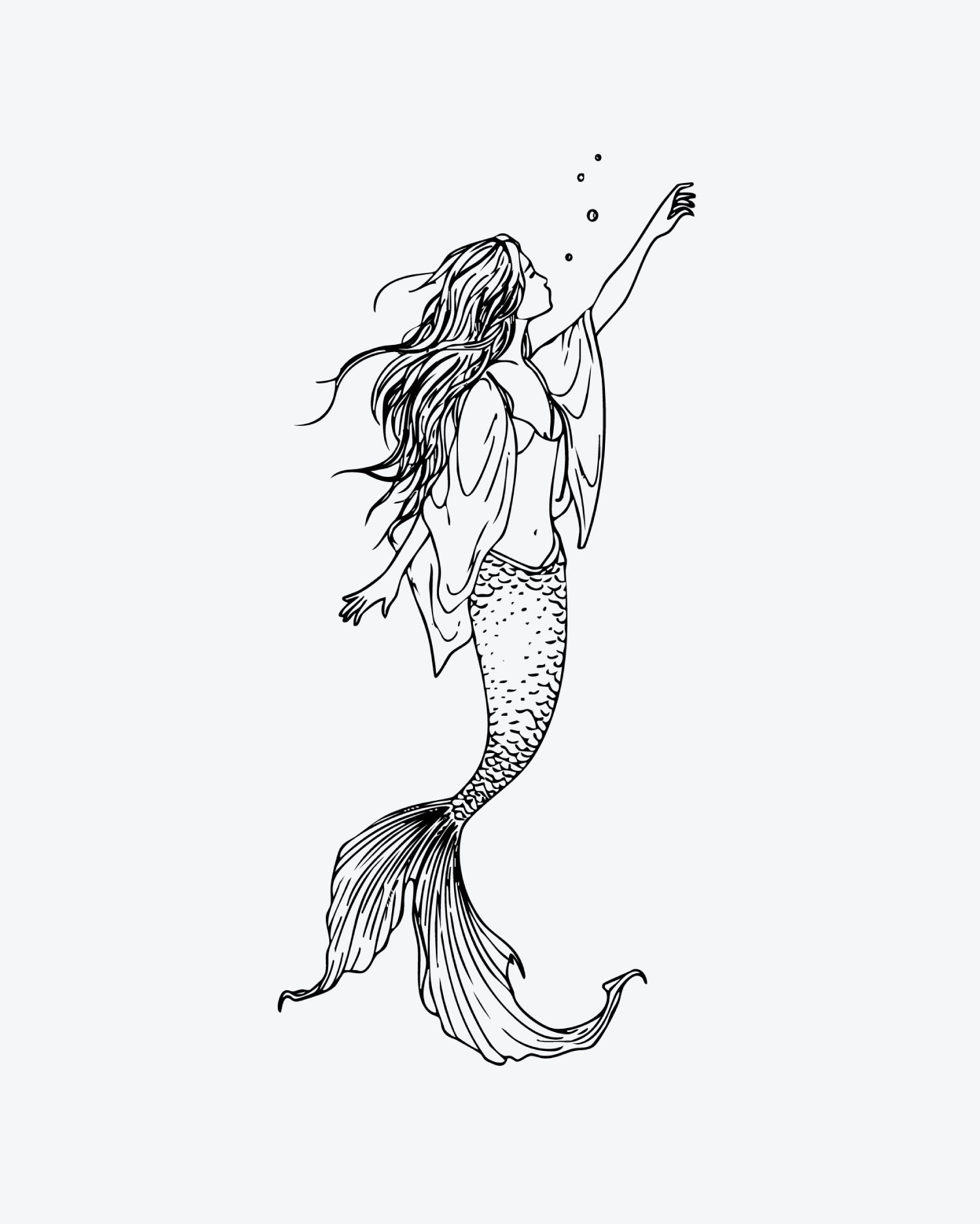
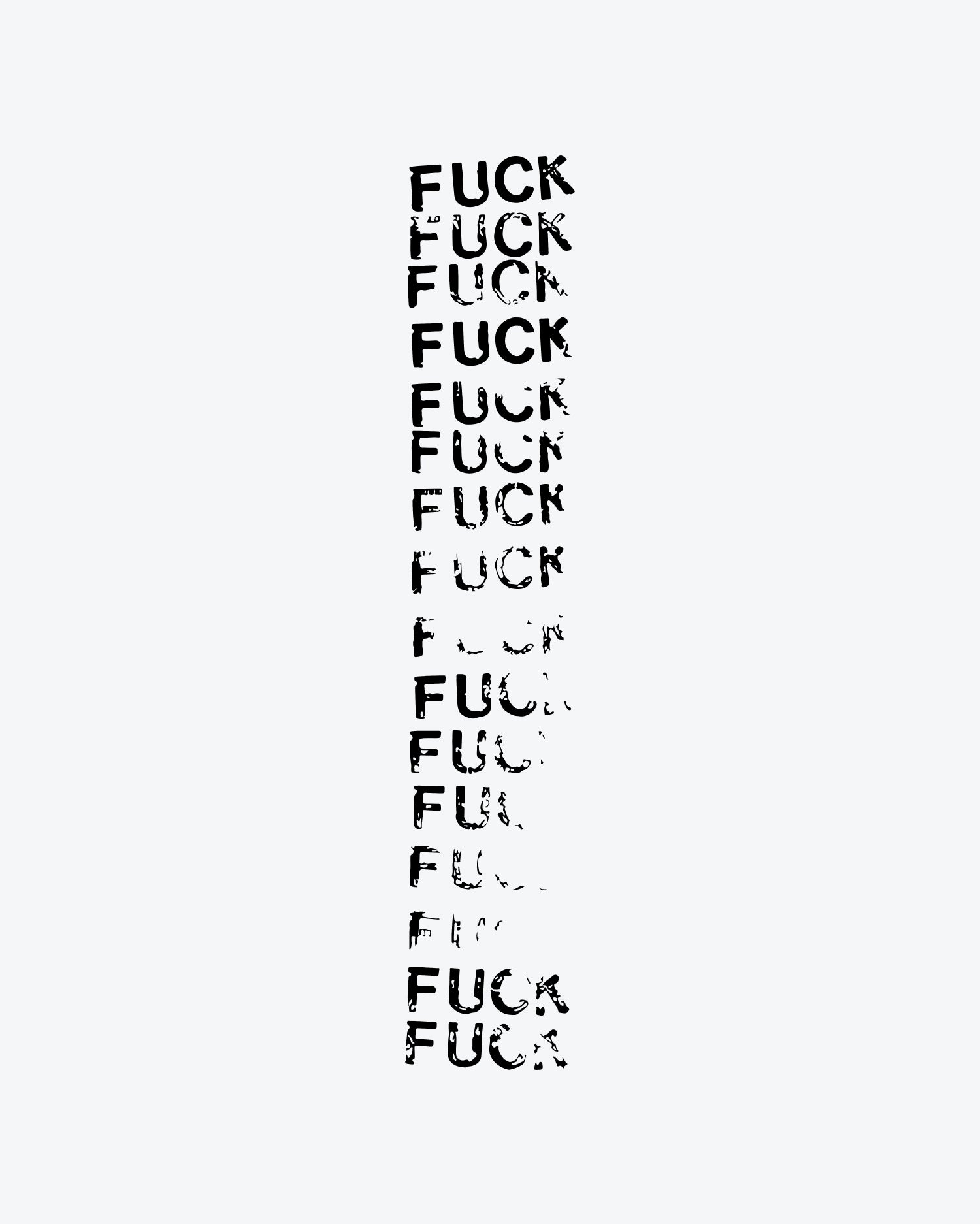
• Black & white designs only
• Clean, sharp, and clearly visible lines
• Light or white background recommended
⚙️ Technical specifications
• Minimum line width: 0.5 mm
• Supported file types: PNG, JPG, JPEG
• No gradients, shadows, or colored areas
🔒 Usage rights
• You have permission to use the artwork
Is my design good enough?
If your file uploads successfully, it usually meets the basic requirements.
However, higher resolution always results in better detail.
Every order is checked manually.
If your design isn’t suitable for production, we’ll contact you by email before anything is made.
Can I upload a photo instead of artwork?
In some cases, yes.
Photos must be sharp, high-contrast, and have clearly visible lines.
We review photo uploads individually and will reach out if adjustments are needed.
Why is my upload not working?
This is usually caused by:
- unsupported file formats
- insufficient image quality
Please upload PNG, JPG, or JPEG files only.
How big will my tattoo be?
Each size corresponds to a design canvas.
You can see the exact dimensions while placing your design in the customizer.
Available sizes
- XS — 3 × 4 cm
- S — 5 × 9 cm
- M — 7 × 13 cm
- L — 10 × 18 cm
- XL — 14 × 23 cm
👉 Tip: Leave a small margin between your design and the canvas edges. Designs that touch or exceed the border may be cut off.
Do I need to mirror my design before uploading?
No.
Upload your design exactly as you want it to appear on your skin.
My design has a background — what happens?
We’ll remove the background and isolate the design so only the motif remains.
My design is in color — what will the tattoo look like?
All tattoos are produced in black only.
Colors are automatically converted to black, and the background becomes transparent.
🚚 Production & Delivery
Why does delivery take a few weeks?
Custom tattoos are produced exclusively for you.
To keep prices fair, we manufacture personalized tattoos in larger batches rather than individually. This results in a slightly longer delivery time compared to ready-made tattoos.
Why was my custom tattoo canceled or removed from my order?
In rare cases, a custom tattoo may be removed if:
- no design was uploaded
- the file is corrupted or unreadable
- the design doesn’t meet production requirements
If this happens, we’ll notify you by email.